



PDF Enhancer – Enhance Scanned PDF Online for Free

Use the free online PDF Enhancer to improve your PDFs for reading, printing, and sharing. Increase resolution, sharpen contrast and brightness, straighten skewed pages, and fix other PDF glitches. Drop a file in and get it optimized at once.

PDF

or drag and drop file here

ShieldYour files are secure during processing and automatically deleted once you close the page.
Quick Guide

How to Enhance the Resolution of a PDF for Free?

Follow 3 steps to improve your documents with the online PDF enhancer.

Enhance PDF
  1. Step 1
    Upload the PDF You Want to Enhance

    Upload Your PDF

    Click Choose a PDF File, or simply drag and drop your PDF onto the page.

  2. Step 2
    Select an Enhancement Mode

    Select an Enhancement Mode

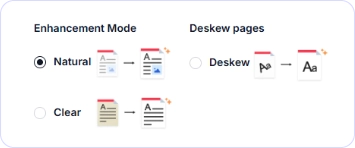
    Choose either Natural or Clear mode. If your document appears tilted, check the Deskew option to straighten it.

  3. Step 3
    Download the Enhanced PDF

    Enhance and Download

    Click Enhance to start processing. When it finishes, click Download to save your enhanced PDF. Note that the result is a non-editable file.

Improve PDF Quality Easier Than Ever with the PDF Enhancer

iBoomto AI PDF Enhancer offers automatic processing with two modes and an optional Deskew setting.

Enhance PDF
Auto AI PDF Enhancement

Auto-Enhance AI

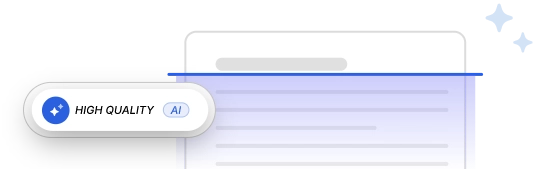
Let AI work smartly to identify and improve low-quality areas while keeping the rest of your document untouched and visually consistent. Choose a mode in the PDF enhancer rather than adjusting each enhancement setting yourself, then review the result against the original document.

Simple to Run

Enhance PDF quality whenever you need to, however you’re working. Even on a lightweight device or on the go, the online PDF enhancer responds and exports instantly, with no add-ons to install, no account to create, and no surveys to fill out.

Multiple Modes

Whether you prioritize readability or want to preserve the original look of PDF documents, you can easily achieve the desired results with the PDF enhancer's automatic modes.

AI Scanned PDF Enhancer

Improve Low-Quality Scans

Give your PDFs more than a surface-level improvement. Use iBoomto AI PDF Enhancer to restore your documents from the ground up, so they look as if they were created in high quality from the start.

iBoomto AI Document Processing App
Local AI, Less Effort

Work with Enhanced PDFs in iBoomto AI for Windows

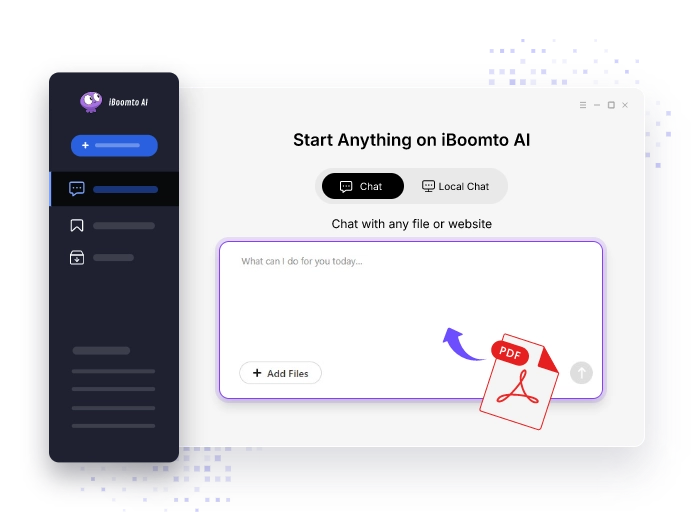
Want to do more with your documents? Use iBoomto AI to chat with your files, summarize content, and pull out key information. It also supports local AI models, so your sensitive data stays on your device.

iBoomto AI PDF Enhancer Improves Your PDFs to Every Detail

Discover how this free, all-in-one online PDF enhancer fixes various imperfections in scanned PDFs.

Sharpen PDF with AI

Sharpen PDFs with Greater Clarity

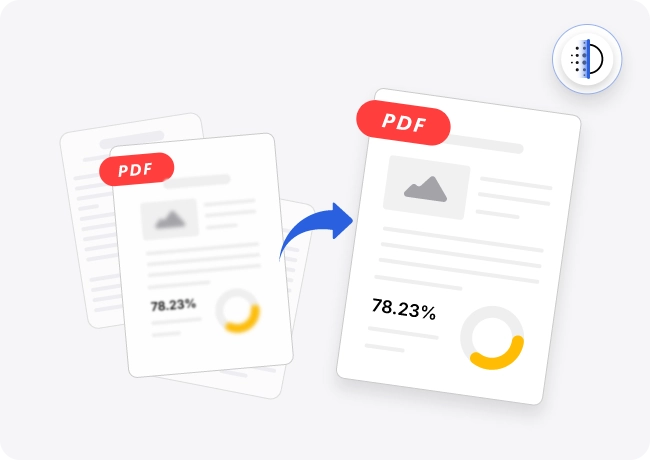
Whether your documents are pixelated, blurry, or just not as crisp as you’d expected, you can now sharpen them naturally and boost the overall clarity at one tap. Simply drop them into the PDF resolution enhancer, and the built-in AI model runs to analyze every page and restore visual information. Then, it makes text, lines, and shapes in the documents crisper.

Enhance PDF
Adjust Contrast of PDF Scans

Adjust Contrast, Clean the Layout

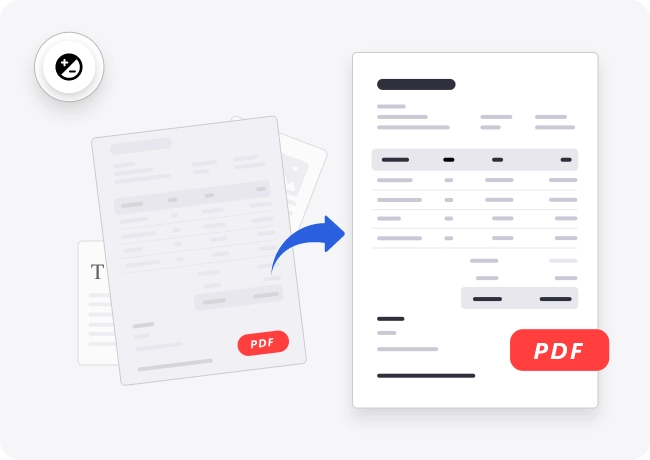
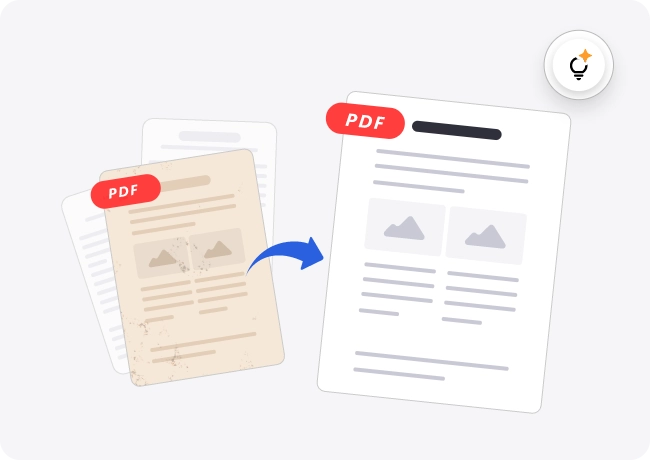
Restore low-contrast scanned PDFs instantly with iBoomto AI PDF Enhancer. Use it to smartly separate text and graphics from the background and boost contrast to make important content stand out. It also removes smudges, speckles, and discoloration, leaving a clean, bright, and uniform layout.

Enhance PDF
Correct PDF Colors

Even Out Lighting Across Pages

Tired of dull, dim, or faded scanned PDFs? Start intelligent lighting correction on iBoomto to restore old or poorly lit documents to a clean, vibrant state. It revives washed-out colors, clears dark edge shadows, and evens out patchy lighting on every page, so your restored files are ready to archive and share right away.

Enhance PDF
PDF Cleanup Online Free

Remove Background Noise, Grain, & Flaws

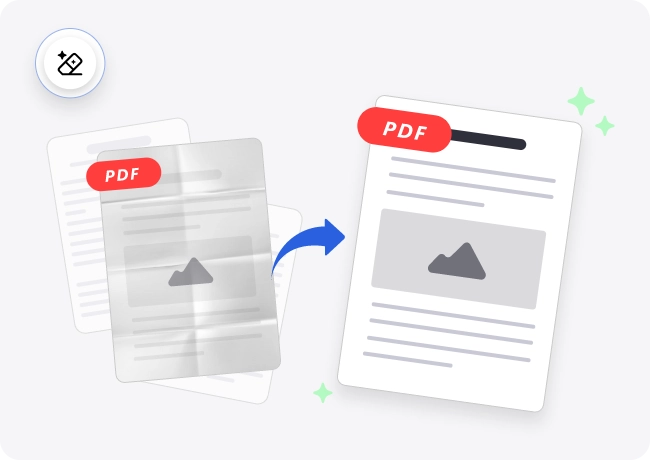
Documents captured with low-end devices or in dim environments often suffer from scan grain, speckles, and background noise. The same can happen after heavy compression or because of blemishes already present in the original PDF. For all these visual imperfections, you can use the free online PDF enhancer to clean up your document and make it neat and professional again.

Enhance PDF
Deskew PDF Online Free
Go Further, Enhance More.

Deskew or Straighten Scanned PDFs Online for Free

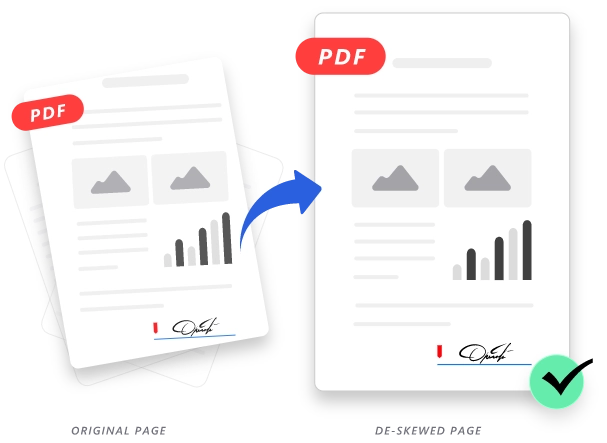
Dealing with a skewed PDF scan? Use iBoomto AI PDF Enhancer to straighten your pages effortlessly. It automatically detects and corrects the skew angle of each page instead of applying the same angle across the entire document. Empty corners created during deskewing are filled with matching background colors for consistent page dimensions. Enjoy precise angle control and perfectly aligned results with just one click.

Enhance PDF

A PDF Quality Enhancer for Different Page Content

Use iBoomto to improve the appearance of text, graphics, screenshots, and scans within PDFs. Results depend on the source document.

Enhance PDF

Text

Restore blurry, faded, or jagged text by sharpening character edges, boosting contrast, and whitening gray backgrounds.

Charts and Tables

Sharpen lines, clarify labels, and make colors more distinct in charts, graphs, diagrams, and tables, so data is readable at a glance.

Graphics

Refine embedded illustrations, logos, icons, vector artwork, and decorative elements while leaving surrounding text and layout untouched.

Screenshots

Make screenshots of reports, product interfaces, and knowledge snippets in PDFs easier to recognize.

Scanned Pages

Correct skew, low resolution (DPI), distortion, and other blemishes in digital scans for a sharper and more professional look.

Handwriting

Enhance handwritten notes, signatures, and annotations, and make faint pencil marks, uneven pen lines, and smudged ink clearer.

Increase PDF Quality for Work and Study

iBoomto AI PDF Enhancer is a useful assistant for work and study. Make the most of it for high-quality content all the time.

Enhance PDF
PDF Enhancer for Office Workers
Office Workers

Use the free online PDF enhancer to improve contracts, invoices, reports, manuals, and other everyday work documents, especially scanned PDFs. Make important details focused and effortless to review, verify, and share with colleagues and clients. Present a more professional impression and improved readability for future reference and long-term archiving.

Students

Old handouts and blurry scans no longer have to slow your studies down. iBoomto AI PDF Enhancer transforms textbooks, lecture notes, and research papers into clearer, more readable PDFs, ready for comfortable on-screen study and high-quality printing. Spend less time struggling to read the page and more time grasping key concepts.

Researchers

Before submitting a paper, researchers can use AI PDF enhancement to improve text clarity and help meet platform-specific requirements. When reviewing data or revisiting earlier studies, the free online PDF enhancer can also increase PDF quality from the web, for clear references.

Professionals

Clear documents are essential for professionals who handle detailed records daily. Lawyers can sharpen scanned contracts and case files, healthcare professionals can clarify medical documents, and business teams can clean up reports and invoices. Use the free online PDF enhancer to improve PDFs across a wide range of professional fields.

FAQs

FAQs about iBoomto AI PDF Enhancer

Everything to know before you enhance PDF quality online free on iBoomto.

Still have questions?

Contact Us
What is a PDF Enhancer?+-
An AI PDF enhancer is a quick way to improve PDF quality for better readability and a wider range of uses. It can upscale resolution, sharpen blurry text and graphics, fine-tune contrast and color, straighten tilted scans, and fix other visual defects. Some advanced tools go further, using AI models to reconstruct fine details and give low-quality documents a clearer, cleaner, more polished look.
Is a PDF Enhancer the Same as a PDF Optimizer?+-
No, they’re different tools. A PDF enhancer focuses on visual clarity, and it improves improves your document by sharpening text, increasing resolution, and adjusting color and contrast. A PDF optimizer focuses on reducing file size, it makes your document easier to handle by cutting file size, loading faster, and simplifying sharing.
What Types of PDFs Can I Upload to iBoomto AI PDF Enhancer?+-
iBoomto AI PDF Enhancer works with all PDF document types, including daily paperwork, research papers, invoices, contracts, presentations, and archived documents. It supports both text‑based PDFs and image‑only scanned PDFs. Please note that enhancement results depend on the quality of your source document, and all exported files are saved as read‑only PDFs.
Can I Improve PDF Clarity with This Tool?+-
Yes, iBoomto specializes in improving PDF clarity, making blurry areas more readable and giving your content a more polished look.
Does the PDF Enhancer Support PDF Repair?+-
iBoomto AI PDF Enhancer can help fix common quality issues. If a PDF is damaged, it will alert you on upload, so you can repair the file first and then enhance it.
Will the Enhanced PDF Retain Selectable Text?+-
The enhanced PDF is a non-editable, scan-style file. Text from your original becomes part of the image, so it cannot be selected or copied. To make it editable or searchable, run OCR with a separate tool, and check the output first.
Are There Any File Size Limits?+-
Yes. iBoomto AI PDF Enhancer supports PDF files up to 50 MB each.
Is iBoomto AI PDF Enhancer Free to Use?+-
You can use the PDF resolution enhancer online for free. Each day, you get 10 free uses, and the quota resets daily.
Do I Need to Install Any Add-ons to Use the PDF Enhancer?+-
iBoomto AI PDF Enhancer is a cloud-based tool that runs directly in your web browser, with no extra add-ons to install.
Does My Personal Data Stay Private When Enhancing PDFs?+-
Every online tool on iBoomto runs on secure servers built with privacy in mind. It collects only the data needed to run the tools and save user preferences. Uploaded files are deleted automatically soon after the task is done.
FAQs

FAQs about iBoomto AI PDF Enhancer

Everything to know before you enhance PDF quality online free on iBoomto.

What is a PDF Enhancer?+-
An AI PDF enhancer is a quick way to improve PDF quality for better readability and a wider range of uses. It can upscale resolution, sharpen blurry text and graphics, fine-tune contrast and color, straighten tilted scans, and fix other visual defects. Some advanced tools go further, using AI models to reconstruct fine details and give low-quality documents a clearer, cleaner, more polished look.
Is a PDF Enhancer the Same as a PDF Optimizer?+-
No, they’re different tools. A PDF enhancer focuses on visual clarity, and it improves improves your document by sharpening text, increasing resolution, and adjusting color and contrast. A PDF optimizer focuses on reducing file size, it makes your document easier to handle by cutting file size, loading faster, and simplifying sharing.
What Types of PDFs Can I Upload to iBoomto AI PDF Enhancer?+-
iBoomto AI PDF Enhancer works with all PDF document types, including daily paperwork, research papers, invoices, contracts, presentations, and archived documents. It supports both text‑based PDFs and image‑only scanned PDFs. Please note that enhancement results depend on the quality of your source document, and all exported files are saved as read‑only PDFs.
Can I Improve PDF Clarity with This Tool?+-
Yes, iBoomto specializes in improving PDF clarity, making blurry areas more readable and giving your content a more polished look.
Does the PDF Enhancer Support PDF Repair?+-
iBoomto AI PDF Enhancer can help fix common quality issues. If a PDF is damaged, it will alert you on upload, so you can repair the file first and then enhance it.
Will the Enhanced PDF Retain Selectable Text?+-
The enhanced PDF is a non-editable, scan-style file. Text from your original becomes part of the image, so it cannot be selected or copied. To make it editable or searchable, run OCR with a separate tool, and check the output first.
Are There Any File Size Limits?+-
Yes. iBoomto AI PDF Enhancer supports PDF files up to 50 MB each.
Is iBoomto AI PDF Enhancer Free to Use?+-
You can use the PDF resolution enhancer online for free. Each day, you get 10 free uses, and the quota resets daily.
Do I Need to Install Any Add-ons to Use the PDF Enhancer?+-
iBoomto AI PDF Enhancer is a cloud-based tool that runs directly in your web browser, with no extra add-ons to install.
Does My Personal Data Stay Private When Enhancing PDFs?+-
Every online tool on iBoomto runs on secure servers built with privacy in mind. It collects only the data needed to run the tools and save user preferences. Uploaded files are deleted automatically soon after the task is done.

Still have questions?

Contact Us

Enhance Your PDFs for Free
Easier to Read, Better to Share.

Start with iBoomto and see a real increase in PDF quality now.

Enhance PDF